

Security & Surveillance · UAE Compliance
SIRA CCTV Storage Requirements: Essential 2027 Guide
SIRA CCTV storage requirements set a 31-day retention floor at high quality and at least 10 frames per second, with financial institutions holding ATM footage for 75 days. The Manual also requires 20% spare capacity on top of that calculation. This guide covers the exact figures, the sizing formula, and a worked example for a real camera count.
Key takeaways
- SIRA CCTV storage requirements set a floor, not a target. 31 days general retention, 75 days for ATM cameras, plus 20% spare capacity on the calculated total.
- Resolution alone tells you nothing about storage size. The real driver is bitrate, which SIRA leaves uncapped and variable — it has to come from the camera’s own datasheet, not a resolution assumption.
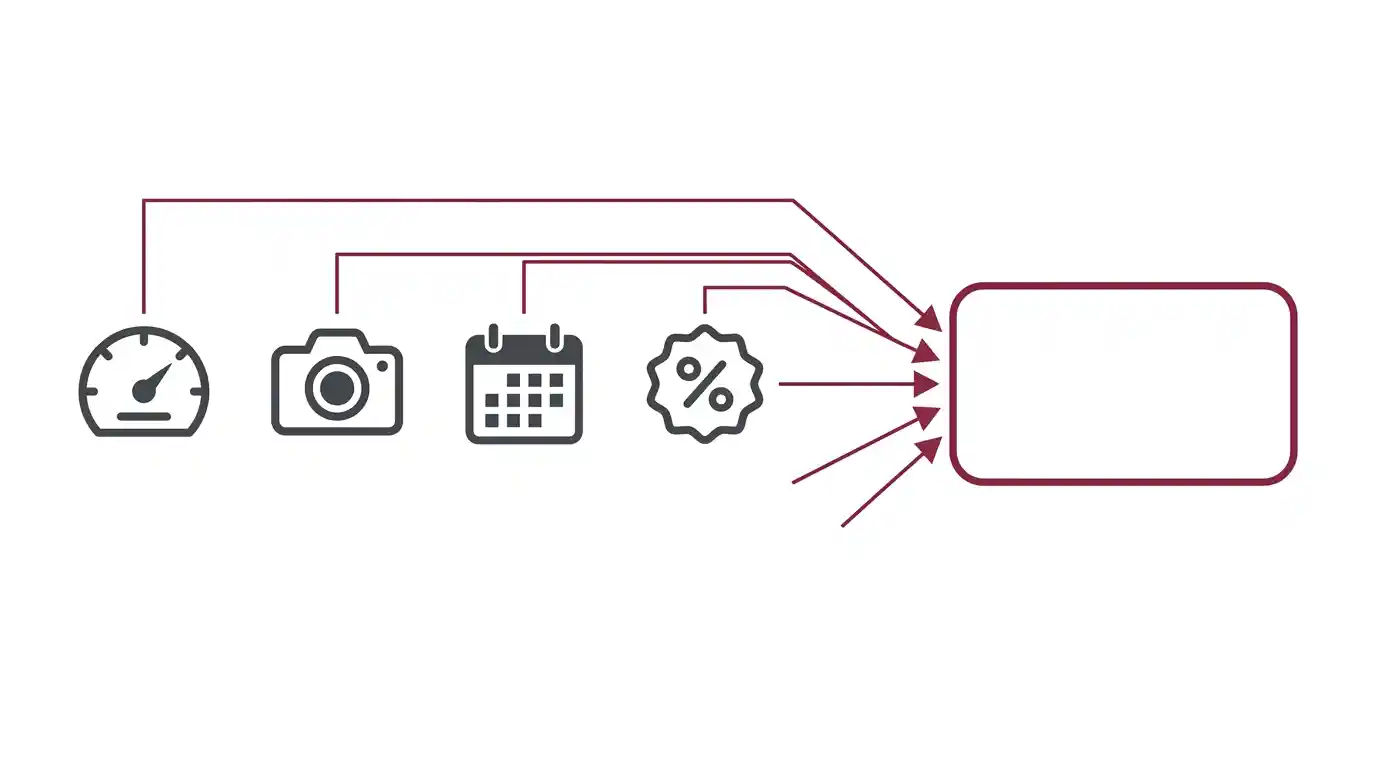
- The sizing formula is simple arithmetic once you have the real bitrate: bitrate × time × camera count × retention days, then add 20%.
- RAID level is a Magnus reliability recommendation, not a SIRA requirement. The Manual is silent on redundancy architecture — it only sets the 20% headroom and disk-failure alarm requirements.
- Video Management Software becomes mandatory at 64+ cameras or 4+ recording devices, which usually pushes the storage decision from an NVR appliance to a dedicated server.
SIRA CCTV storage requirements in full
The Preventive Systems Manual sets four separate figures that all feed into a storage calculation, and it’s easy to satisfy one while missing another.
| Requirement | SIRA minimum |
|---|---|
| General retention | At least 31 days, at high quality |
| Recording frame rate | At least 10 frames per second |
| Motion-triggered recording | At least 70% of the day per camera, still at 10 fps and 31 days minimum |
| Financial institutions — on-site cameras | At least 31 days |
| Financial institutions — ATM cameras | At least 75 days |
| Jewellery exhibitions | One month after the exhibition closes |
| Spare capacity | 20% additional, on top of the calculated requirement |
| External expansion | Recording devices must accept external storage expansion |
Two of these are easy to miss at design stage. The 20% headroom is separate from the 31-day floor, not folded into it — sizing a system to exactly 31 days of footage and calling it compliant misses this entirely. And the 75-day ATM figure only applies to financial institutions; it is not a general high-security-site rule, despite what a lot of published guidance claims. Our guide to SIRA CCTV requirements covers where each retention figure applies by establishment type.
The Manual also requires the recorder itself to alarm on storage disk failure, and to alarm when the disk is full if overwrite is disabled — both of which assume the storage platform can actually raise those alerts, which matters when choosing hardware.
The storage sizing formula
Once you have SIRA’s four figures, the arithmetic is straightforward. Daily storage per camera comes from the bitrate; total storage comes from multiplying that out across cameras and retention days, then adding the headroom.
The 1.20 multiplier is SIRA’s 20% headroom requirement, applied to the calculated total. The retention-days figure is 31 as a floor, or 75 for ATM cameras specifically — use the figure that applies to each camera group, since a single site can have both.
The one variable this formula can’t supply is the bitrate. That has to come from the actual camera model, not from an assumption based on resolution — which is the part most sizing exercises get wrong.
Why the datasheet bitrate matters more than resolution
SIRA requires variable bit rate with no maximum transfer speed set, and does not specify a bitrate figure. That is deliberate: actual bitrate depends on resolution, frame rate, compression codec, and how much motion is in the scene, and a fixed number would misrepresent how VBR actually behaves. Our SIRA-approved camera specification checklist covers the bit rate requirement itself in more detail.
What this means in practice: two 1080p cameras from different manufacturers, at the same frame rate, can produce meaningfully different file sizes depending on their compression efficiency and the scene they’re covering. A busy loading bay generates far more data than an empty corridor at the same resolution, because VBR allocates more bits to frames with more motion.
As a general industry reference — not a SIRA figure, and not specific to any one camera — 1080p H.265 streams typically run in the region of 1–4 Mbps depending on frame rate and scene complexity, while the older H.264 codec typically needs roughly double that for comparable quality. These ranges come from published surveillance bandwidth calculators, not from the Manual, and they should be treated as a starting point for a rough estimate only. The number that actually matters is the one printed on your camera’s own datasheet.
Worked example: sizing storage for 40 cameras
To make the formula concrete, here is a worked calculation for a 40-camera site — 36 general cameras and 4 ATM cameras — using an illustrative bitrate. The bitrate below is a labelled example figure for demonstration only; use your camera’s actual datasheet value for a real project.
| Camera group | Count | Example bitrate | Retention | Subtotal (with 20%) |
|---|---|---|---|---|
| General cameras | 36 | 3 Mbps | 31 days | ~5.4 TB |
| ATM cameras | 4 | 3 Mbps | 75 days | ~1.5 TB |
| Total | 40 | — | — | ~6.9 TB |
How this is calculated. Daily GB per camera at 3 Mbps = (3 × 86,400) ÷ 8,000 ≈ 32.4 GB. For the 36 general cameras over 31 days: 32.4 × 36 × 31 × 1.20 ≈ 5.4 TB. For the 4 ATM cameras over 75 days: 32.4 × 4 × 75 × 1.20 ≈ 1.5 TB. This is arithmetic applied to the example bitrate above — it is not a SIRA-published figure, and the real total for any project depends entirely on the bitrate the chosen cameras actually produce.
This is also why camera count alone is a poor way to estimate a budget. The ATM group here is one-tenth the camera count of the general group but adds over a fifth of the total storage, purely because of the retention difference.
RAID and redundancy for surveillance storage
The Manual does not specify a RAID level or redundancy architecture — this section is a Magnus recommendation for reliability, not a SIRA requirement. What SIRA does require is that the recorder can alarm on disk failure, which effectively assumes some form of fault tolerance is in place; a single-disk system with no redundancy has nowhere to fail into.
RAID 5
Common baseline for NVR appliances. Tolerates one drive failure, reasonable capacity efficiency. Rebuild time increases with very large drives, which is worth checking against your retention window.
RAID 6
Tolerates two simultaneous drive failures. Preferred for larger arrays and longer retention windows, where rebuild time on a failed disk is longer and a second failure during rebuild is a real risk.
Hot spare
An idle drive that automatically takes over when an array member fails, cutting the window during which the array runs in a degraded, failure-vulnerable state.
Sizing the array to the raw capacity figure from the worked example above is a common mistake — RAID parity consumes usable capacity, so the physical drives purchased need to exceed the calculated storage requirement by the array’s parity overhead, on top of SIRA’s 20% headroom. Magnus supplies Fibrenetix storage platforms sized against both figures together.
NVR appliance vs server-based recording
The Manual sets one clear threshold that decides which architecture fits: Video Management Software becomes mandatory at 64 or more cameras or 4 or more recording devices. Below that, a standalone NVR appliance is normally sufficient. Above it, the project usually moves to a server-based platform running dedicated VMS.
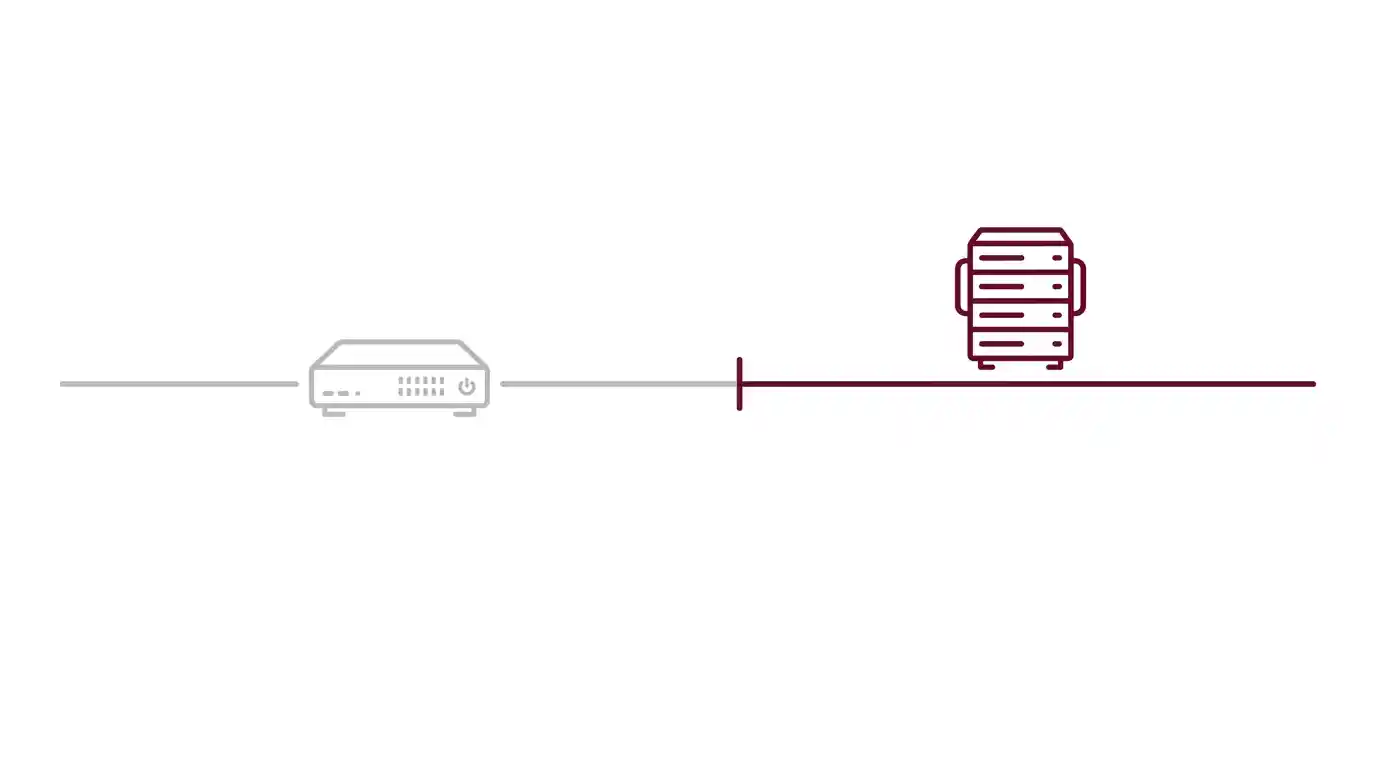
- NVR appliance: fixed drive bays, simpler deployment, adequate for smaller sites below the VMS threshold.
- Server-based recording: scalable storage, supports the VMS software the Manual requires above the threshold, and typically offers more flexible RAID configuration for larger arrays.
The camera count where this decision needs to happen is worth fixing early — moving from an NVR to a server platform after cameras are already installed means re-cabling the recording infrastructure, not just adding drives. Our server and storage solutions team can size either path against a confirmed camera schedule.
Common storage sizing mistakes
- Assuming resolution determines bitrate. Two cameras at the same resolution can produce very different file sizes. Always use the datasheet figure, not a resolution-based guess.
- Sizing to exactly 31 days. The 20% headroom is additional, not included in the 31-day figure.
- Applying 75 days everywhere. That figure is specific to ATM cameras at financial institutions, not a general high-security rule.
- Sizing to raw drive capacity. RAID parity reduces usable space below what the drives are rated for — the calculated requirement needs headroom for parity as well as SIRA’s 20%.
- Ignoring the VMS threshold. Reaching 64 cameras or 4 recorders without planning for VMS means a mid-project architecture change.
- Treating motion-triggered recording as a storage shortcut. The Manual’s motion-recording minimum is still 70% of the day at 10 fps — it reduces storage less than assumed.
Planning storage for a SIRA-compliant project
Working through the calculation in this order avoids the most common rework:
Confirm the camera count and split by retention group
Separate general cameras (31 days) from any ATM cameras (75 days) — they need to be sized independently, not averaged together.
Get the real bitrate from each camera’s datasheet
Not a resolution-based assumption. Confirm the figure for the specific model and compression setting being deployed.
Run the formula per camera group
Daily GB per camera × camera count × retention days, for each group separately, then add them together.
Apply the 20% SIRA headroom
Multiply the combined total by 1.20. This is required regardless of retention group.
Add RAID parity overhead on top
Size physical drive capacity to exceed the SIRA-compliant total by whatever your chosen RAID level consumes in parity.
Check the camera count against the VMS threshold
At 64+ cameras or 4+ recorders, plan for VMS and a server-based platform rather than a fixed-bay NVR.
Frequently asked questions
What is the minimum CCTV storage retention in Dubai?
At least 31 days, at high quality and at a minimum of 10 frames per second. Financial institutions must retain ATM camera footage for at least 75 days. Some establishment types carry their own extended requirements in their specific chapter of the Preventive Systems Manual.
Does the 20% headroom apply to the whole system or just recording devices?
The Manual requires both recording devices and network systems to be calculated with an additional 20% of total capacity. It applies on top of the calculated storage requirement, not as a substitute for meeting the 31-day floor.
How do I know what bitrate my cameras will actually produce?
From the manufacturer’s datasheet for the specific model and compression setting you plan to deploy. SIRA requires variable bit rate with no cap, so actual output depends on scene complexity and motion, not just resolution. Resolution alone is not a reliable way to estimate storage.
Does SIRA require a specific RAID level?
No. The Manual does not specify a RAID configuration. It requires the recorder to alarm on disk failure and to accept external storage expansion, which in practice means some form of redundancy is needed, but the specific RAID level is a design decision, not a regulatory one.
When do I need Video Management Software instead of a standalone NVR?
The Manual makes VMS mandatory for any system with 64 or more cameras or 4 or more recording devices. Below that threshold, a standalone NVR appliance is normally sufficient for a compliant deployment.
Is the 75-day retention rule only for banks?
It applies specifically to ATM cameras at financial and monetary institutions. On-site cameras at the same institutions follow the general 31-day minimum. It is not a blanket rule for all high-security sites, despite that claim appearing in some published guidance.
Sizing storage against a real camera schedule
The formula in this guide gets you close, but the number that actually matters is the bitrate your specific cameras produce, sized against your specific retention groups and RAID overhead. Getting that wrong in either direction means either a non-compliant system or an oversized budget.
Magnus supplies Fibrenetix storage platforms alongside VIVOTEK and HOLOWITS cameras across our IP surveillance solutions range. Send us your camera schedule and retention groups and our pre-sales team will size the array against your actual bitrate figures.
Get a quoteSource
All SIRA figures in this article are taken from Administrative Resolution No. (13) of 2025 Approving the Preventive Systems Manual, Security Industry Regulatory Agency, Government of Dubai, issued 14 April 2025. Confirmed with no published amendment as of August 2026. The bitrate ranges used in the worked example are general industry-surveillance reference figures from published bandwidth calculators, not SIRA specifications, and are labelled as such in the text. Where the English translation conflicts with the Arabic text, the Arabic prevails.
This guide is provided for general information and is not legal advice.